
Android for Raspberry Pi
The newest Android for your Raspberry Pi, with commercial support. Install it in minutes with the official Raspberry Pi Imager, then customize it for your own product.
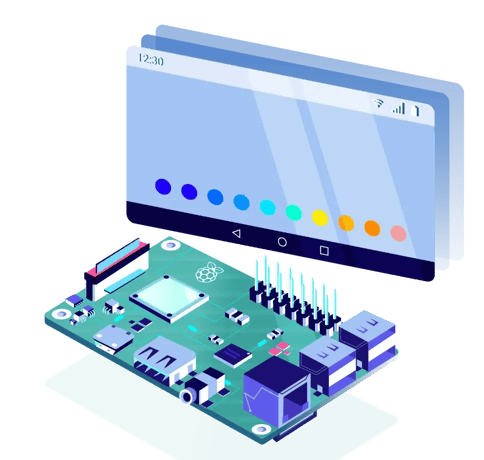
- Newest Android
- Secure boot
- OTA updates
- Kiosk mode
What comes with it
The full Android OS, maintained by Emteria and ready to be customized for your product.
Newest Android
Android 17 was ready one day after Google released its source code.
Security patches
Security updates for at least 5 years per Android version keep your devices safe.
Verified boot
Secure boot and Android Verified Boot let only trusted software start.
OTA updates
New releases arrive over the air, so you write the card only once.
A/B partitions
Updates install on a second partition. If one fails, the device recovers.
Kiosk mode
Lock the screen to one app or to a set of apps, as kiosks and terminals need it.
Full MDM
Install apps, change settings and see your devices from the browser.
Custom branding
Your own boot animation and your apps, right from the first start.
Works with the official Raspberry Pi cameras and touch displays: see the supported peripherals.
Available for all boards
Our team has built Android for Raspberry Pi since Android 5, with commercial releases since Android 7. The numbers show the Android versions of each board. Select a board for its install guide.
Raspberry Pi 5
Raspberry Pi 500
Compute Module 5
Raspberry Pi 4B
Raspberry Pi 400
Compute Module 4
Raspberry Pi 3
Android 17 preview on request.
Compute Module 3
Android 17 preview on request.
Another model or your own carrier board? Tell us what you use, and we check what is possible.
Install Android in three simple steps
No technical knowledge needed. The official Raspberry Pi Imager does the work.
Get the free Raspberry Pi Imager tool from the Raspberry Pi website.
Pick your model and "Android by Emteria" under "Freemium and paid-for OS".
Write the card, put it back into your Raspberry Pi and switch it on.
Tip: a high-speed microSD card makes Android fast. See our card recommendations.
Register your devices for free
During the first boot, add a free Emteria account to remove the watermark and the restart every 8 hours on your first devices. It also brings early previews and device management.
Next steps: make it your own product
The public image is where it starts. In Emteria Hub you turn it into the Android of your own product, and you stay in control of every release.

Build your own Android
Add your apps, your branding and your settings and build your own image in the browser.

Roll out security updates
Release security patches and new versions to your devices over the air, on your own schedule.
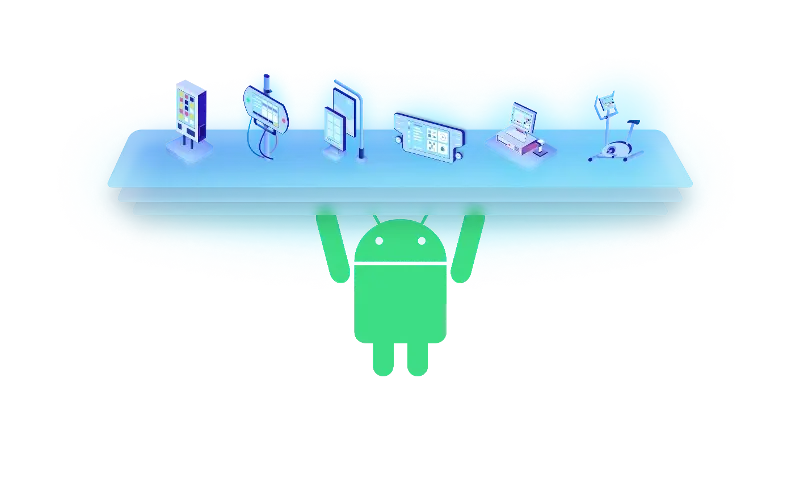
Manage your devices
Install apps, change settings and see every device from your browser with Emteria MDM.
Building a product on Raspberry Pi?
Start with an off-the-shelf board and our public image. When your product takes shape, we help you build your own Android for it, with your apps, your branding and the drivers your hardware needs. That also works on a Compute Module with your own carrier board.
Emteria is an Approved Design Partner of Raspberry Pi.
Frequently asked questions
Can a Raspberry Pi run Android?
Is Android for Raspberry Pi free?
Which Android version should I install?
Does it include Google Play?
What do I need for the installation?
How do I get updates?
Can I use it in a commercial product?
I use Android 13 or older. What now?
Install Android on your Raspberry Pi, or talk to us about your product.
Raspberry Pi is a trademark of Raspberry Pi Ltd.